
Our Products and Services
Products
Services
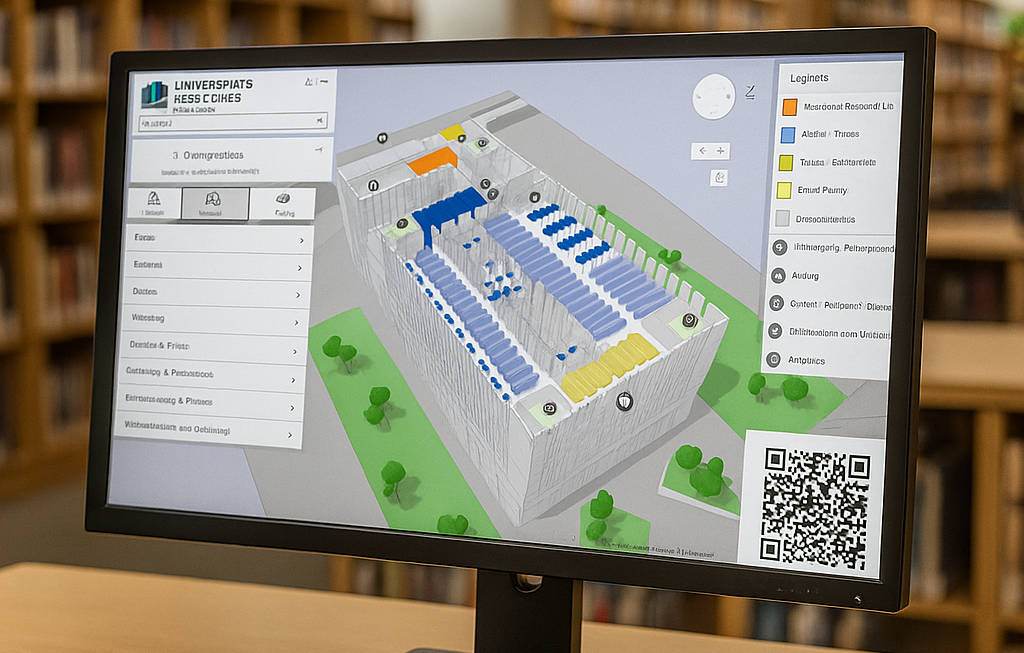
From the OPAC result to the map to the book!
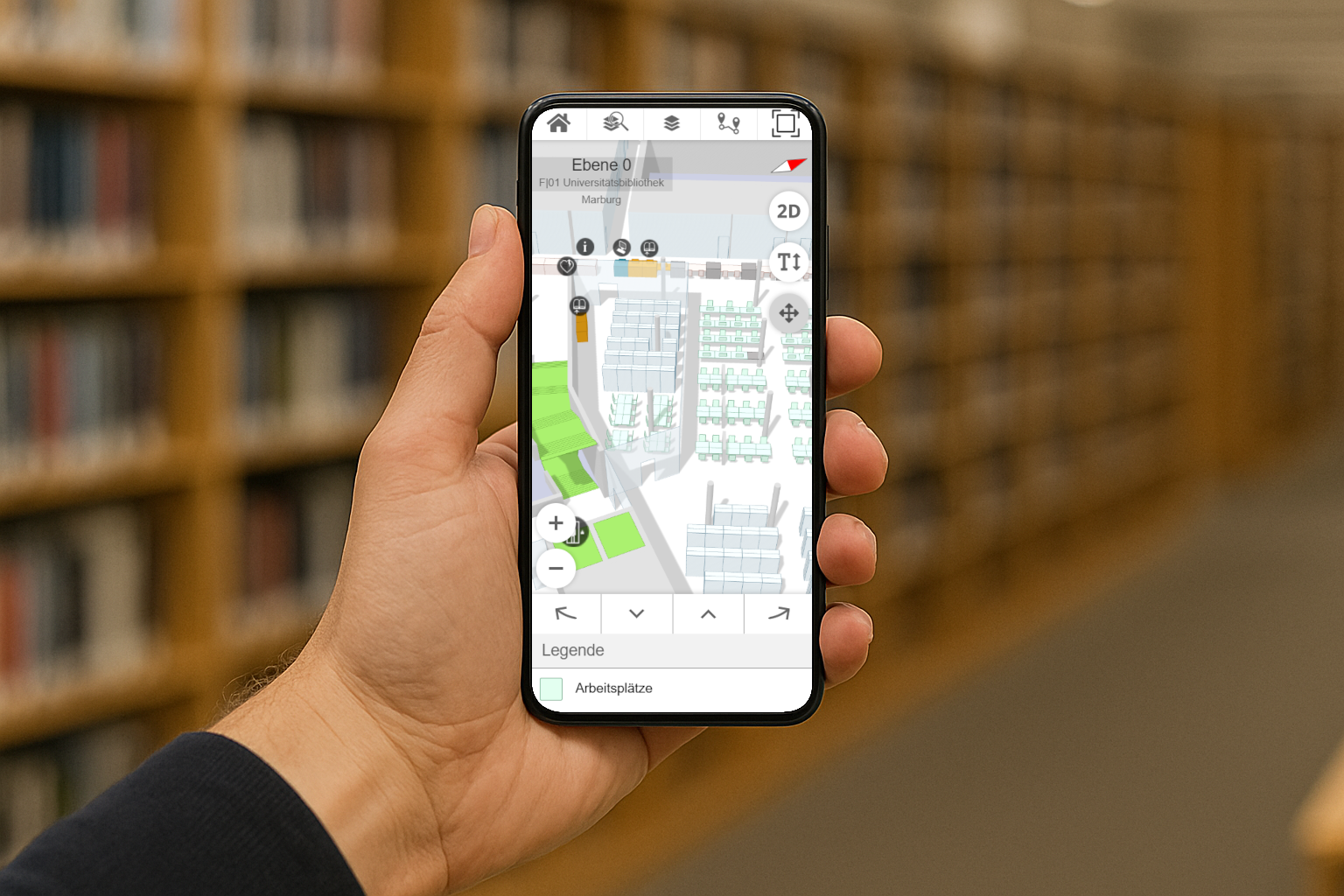
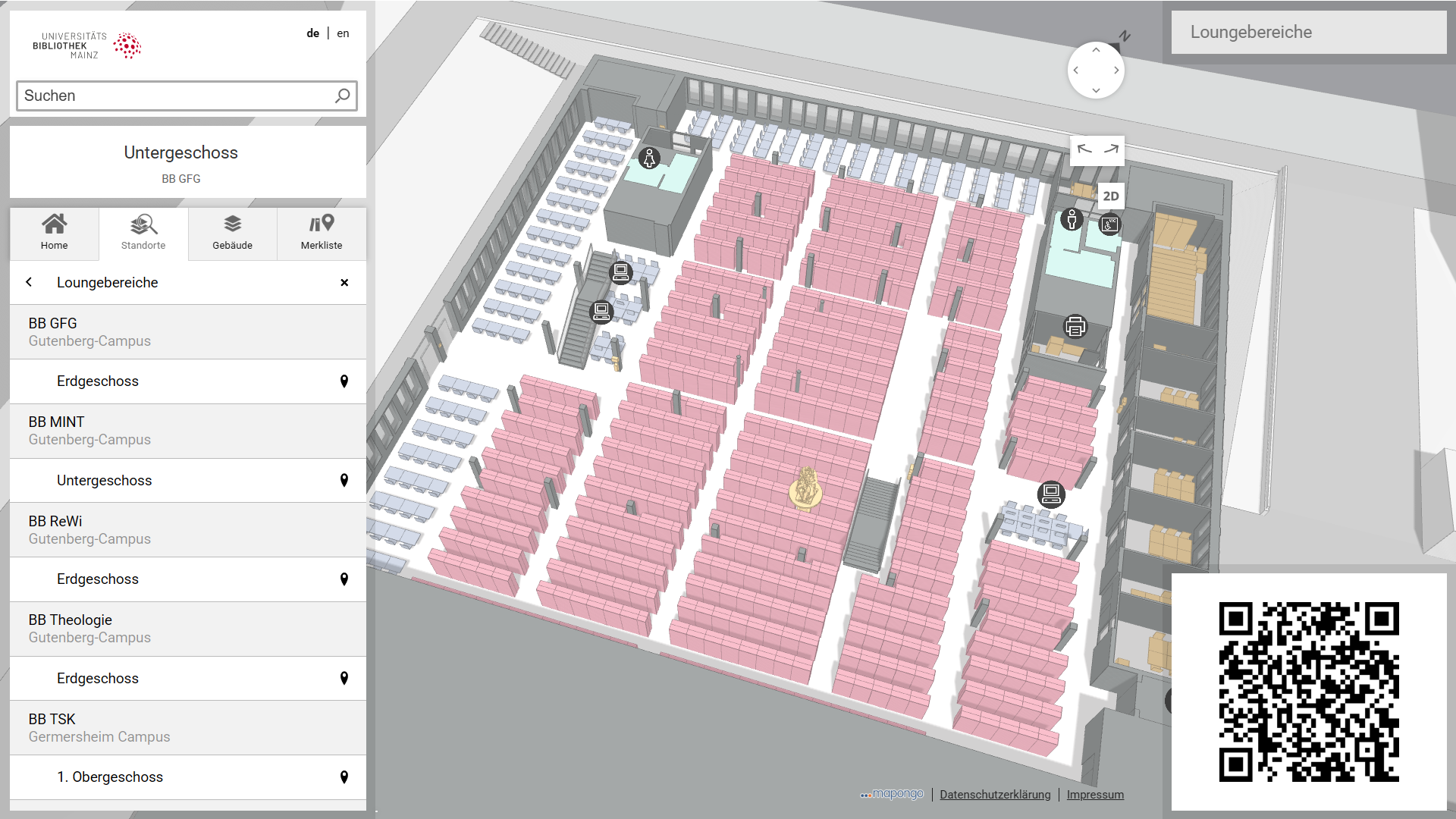
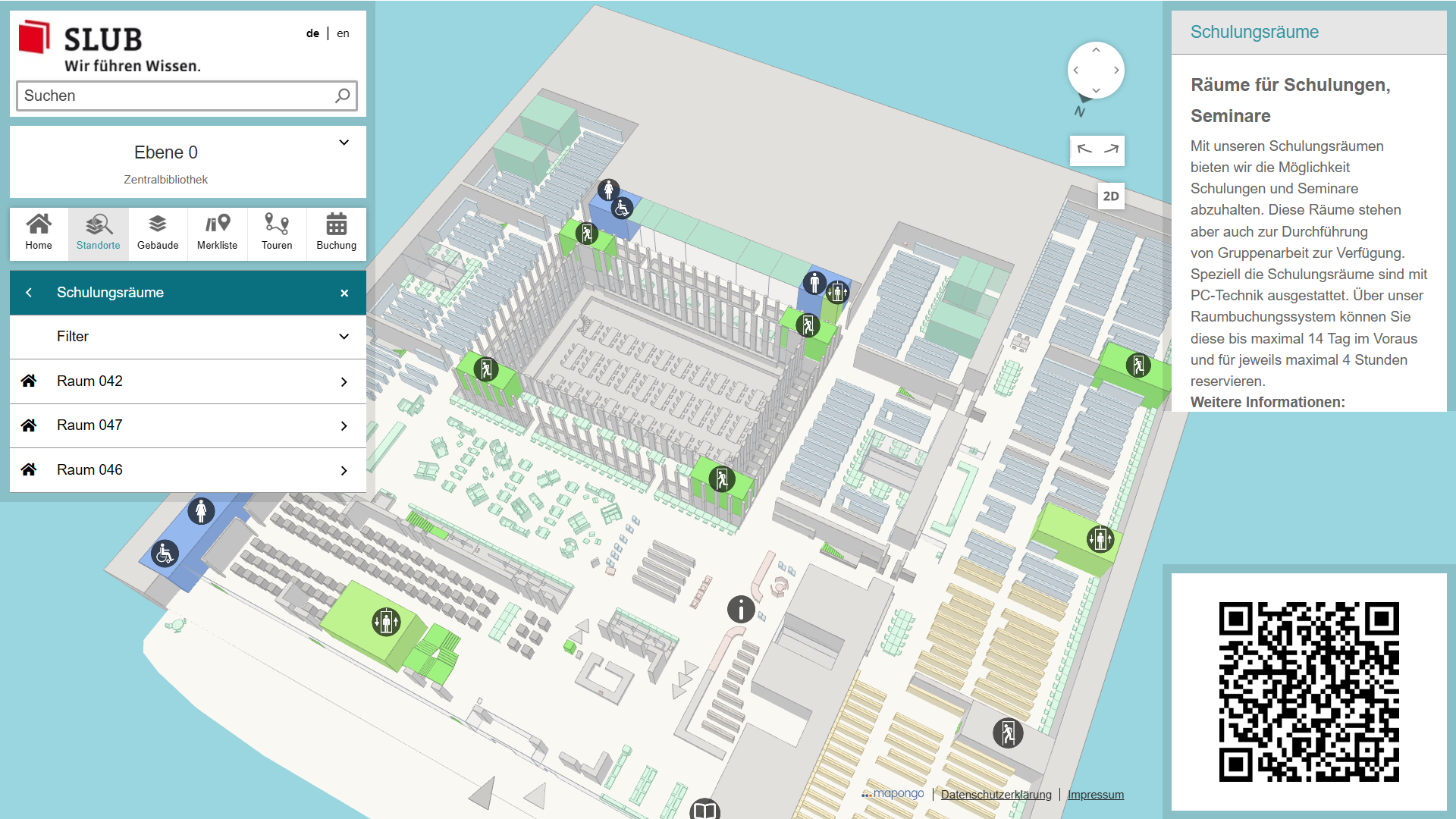
The mapongo EXPLORER displays 3D building maps. It not only allows you to find your way around terminals on site, but also conveniently via your smartphone or from your home Internet connection.
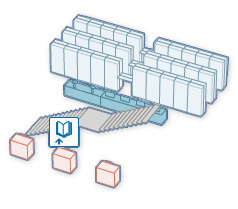
3D
An important aspect of the mapongo EXPLORER is the three-dimensional display mode. It enables views from different angles and ensures optimal orientation for users.
Clearly arranged
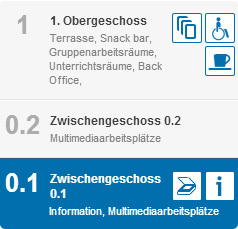
As a user-friendly information system, the mapongo EXPLORER displays locations and signatures.
In the sidebar, you will also find a floor overview and other helpful features.
Informative
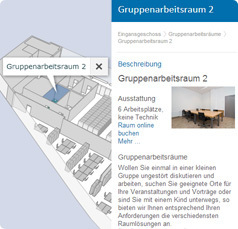
In addition to determining location, the mapongo EXPLORER can be used to provide further information.
This includes, for example, providing opening hours, pictures, and other visitor information.
ToGo
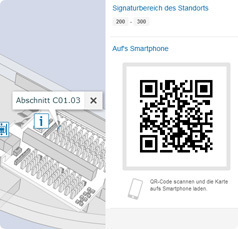
A QR code can be used to establish a connection with mobile devices.
This allows you to access the desired building map from your smartphone or tablet while on the go.

Always up-to-date and tailored to your needs!
The mapongo CREATOR is a user-friendly maintenance tool that allows you to make subsequent changes — quickly, easily, and individually.
Information
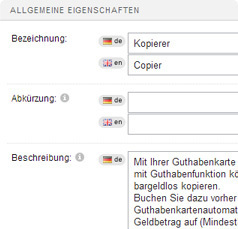
Provide your users with up-to-date information:
design
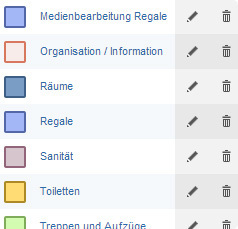
The colors and symbols can be quickly and easily customized to your needs using the mapongo CREATOR.
You can create and manage individual color schemes and insert symbols — for optimal clarity.
signature areas
Update changes to media locations quickly and easily.
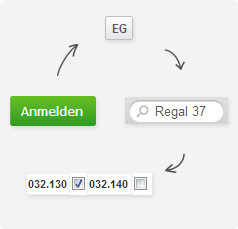
As soon as stocks change and media need to be rearranged, the shelf call number areas can be updated in just four simple steps using the software:
- Sign in to mapongo CREATOR
- Jump to the desired floor using the quick selection feature
- Enter shelf designation in the search field
- Update signature area and save — Done!
The locations of requested media are immediately displayed correctly in OPAC.
Scan and go!
mapongo MOBILE enables easy navigation. Building maps can be downloaded to smartphones and tablets using a QR code. The software is optimized for Android, Windows Phone, and iOS. Whether it's a library, shopping center, or clinic.
Researching with your smartphone
On site, from home, or on the go...
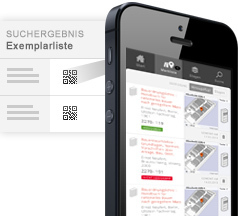
Mobile search via smartphone and tablet: Simply search for a book via OPAC as usual. The search results can be downloaded to your smartphone or tablet by scanning the QR code.
Visitors can conduct research on site or from home. Their smartphones guide them directly to the desired book.
If you are looking for several books, you can save all locations on your smartphone.
mobile map
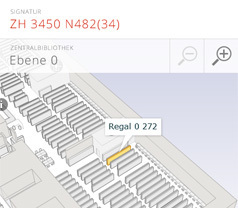
The map on your smartphone: mapongo Mobile displays locations, departments, call numbers, and service areas.
Whether on site or on the go — the mobile map guides users to their desired location at any time.
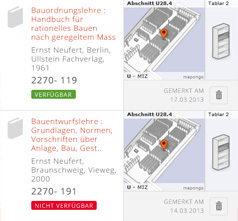
mobile watch list
Simple and convenient: the watch list makes pen and paper unnecessary.
Book titles researched on your home computer or on site are listed and the user is guided to their location.
This will help your visitors reach their destination much faster.

Hands-on!
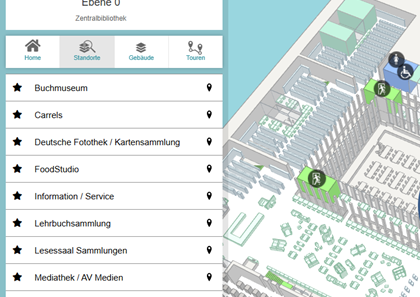
mapongo offers a specially adapted display for information terminals, enabling you to use it on information pillars and touchscreen terminals.
Shortcuts
An optional shortcut list can be used to highlight particularly important locations on the terminal.
The shortcuts can be adapted at any time to changes in the product range or user requirements.
Automatic routing
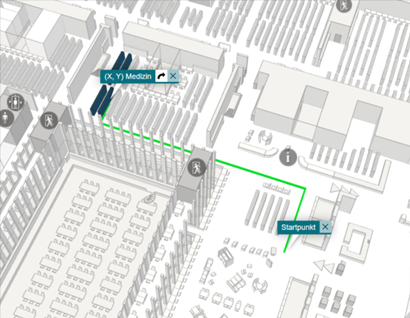
Automatic routing can be set up on display devices with a fixed location. In this case, the route from your current location to your destination will appear immediately after you select your destination.
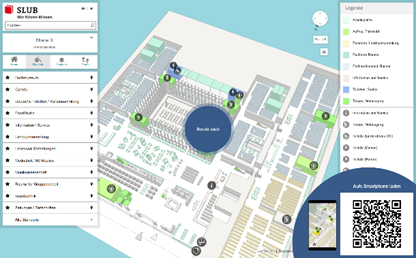
This information can be quickly and easily transferred to your smartphone using the QR code.
Auto reset
After prolonged inactivity, the system returns to its initial state. This initial state can be configured individually for each device. If there are several devices on different floors, the system returns to the respective floor view depending on the device location.
on-screen keyboard
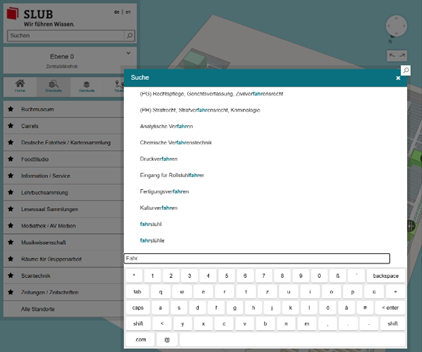
For keyboard input on touch displays, mapongo TERMINAL offers an on-screen keyboard with search suggestions.
mapongo MODULE | modular configuration
The modular structure of the software makes it possible to enable and disable individual additional functions. Flexibly adapt the range of functions to the needs of your institution.
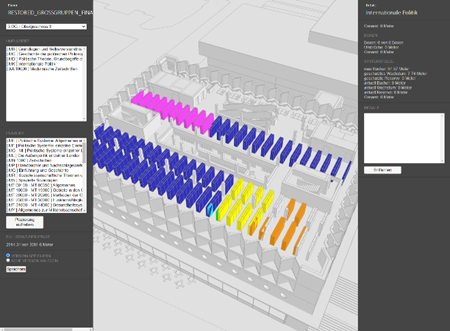
The layout planner
This is an optional extension to assist with layout planning in new construction projects or in the event of major changes to existing buildings, such as mergers or renaming.
This tool can be used to test and visualize various layout scenarios. The final layout can then be transferred to the control system and used for filling the shelves.
The tool also creates packing lists with a list of all media for each shelf compartment.
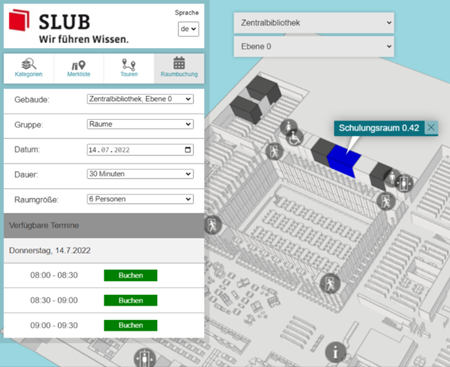
Room and resource booking
mapongo offers the possibility of cost-effective integration of professional room and resource booking systems.
We recommend using booked, but other solutions or your own solutions are also possible.
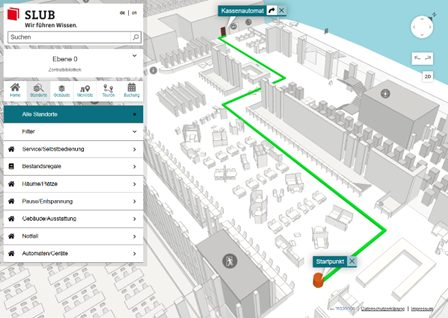
routing extension
The routing extension makes it even easier to reach your destination. After selecting a starting point, the map shows the route to your destination.
The starting point can be selected manually or automatically, and outdoors even using GPS. This turns routing into real navigation.
Our Services
3D visualization
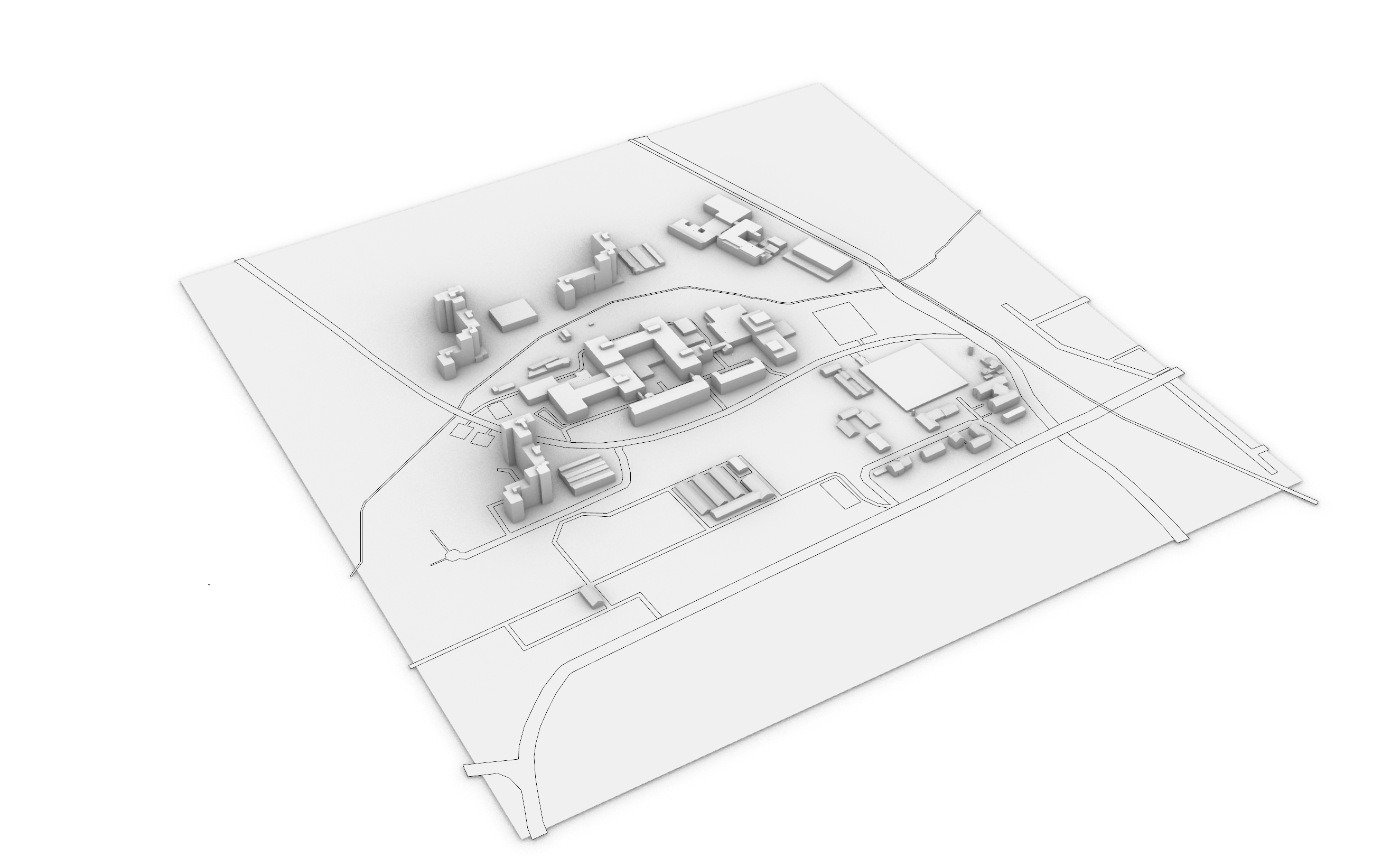
From map to panoramic view: mapongo creates high-quality 3D models from 2D plans.
If no current plans are available, we will be happy to create them for you on site. The building data is imported and drawn in 3D. Locations are created and uploaded.
The 3D building map is rounded off by color concepts and symbols that are adapted to the library's appearance.
interface design
As individual as the library itself and tailored to your ideas: each library receives its own design that matches its overall appearance.
If desired, your own color styles and symbols can also be incorporated.
Functionality meets corporate design!
Software Service - it's that simple
From software updates to data backup—we take care of it for you.
mapongo offers its software products: EXPLORER (display software), CREATOR (maintenance software), MOBILE (mobile solution), and TERMINAL as part of a SaaS (Software as a Service) solution.
For you, this means that mapongo takes care of hosting the software and operating the necessary IT infrastructure.
All you need is an internet-enabled PC with an internet connection.