
Implementation in five Steps
OPAC Integration (library catalog)
Customized user-friendliness: mapongo offers you not just one, but four ways to integrate it into your OPAC library catalog—as a link, thumbnail map, QR code, or location description. The choice is yours.
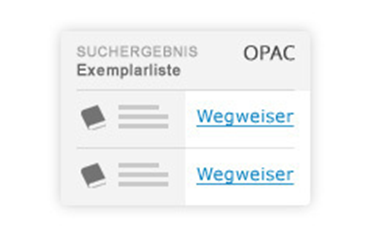
Integration as a link
When integrated as a link, library users will see a link for each book copy in a search query, which you can title “Directions,” for example. Clicking on this link takes the user to the building information system, which displays the location of the media they are looking for.
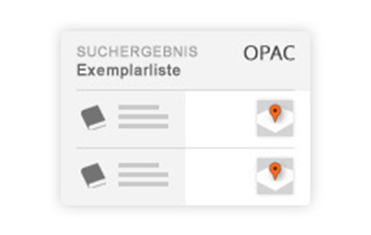
Integration as a miniature card
Location at a glance: If you want to give your users a visual overview of the location they are looking for in the library catalog, this can be done by integrating a miniature map.
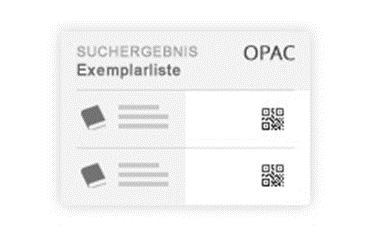
Integration as a QR code
The mobile solution: With integration as a QR code, users can download the location display to their smartphone by taking a photo. This allows them to take the map with them to the shelf or location they are looking for.